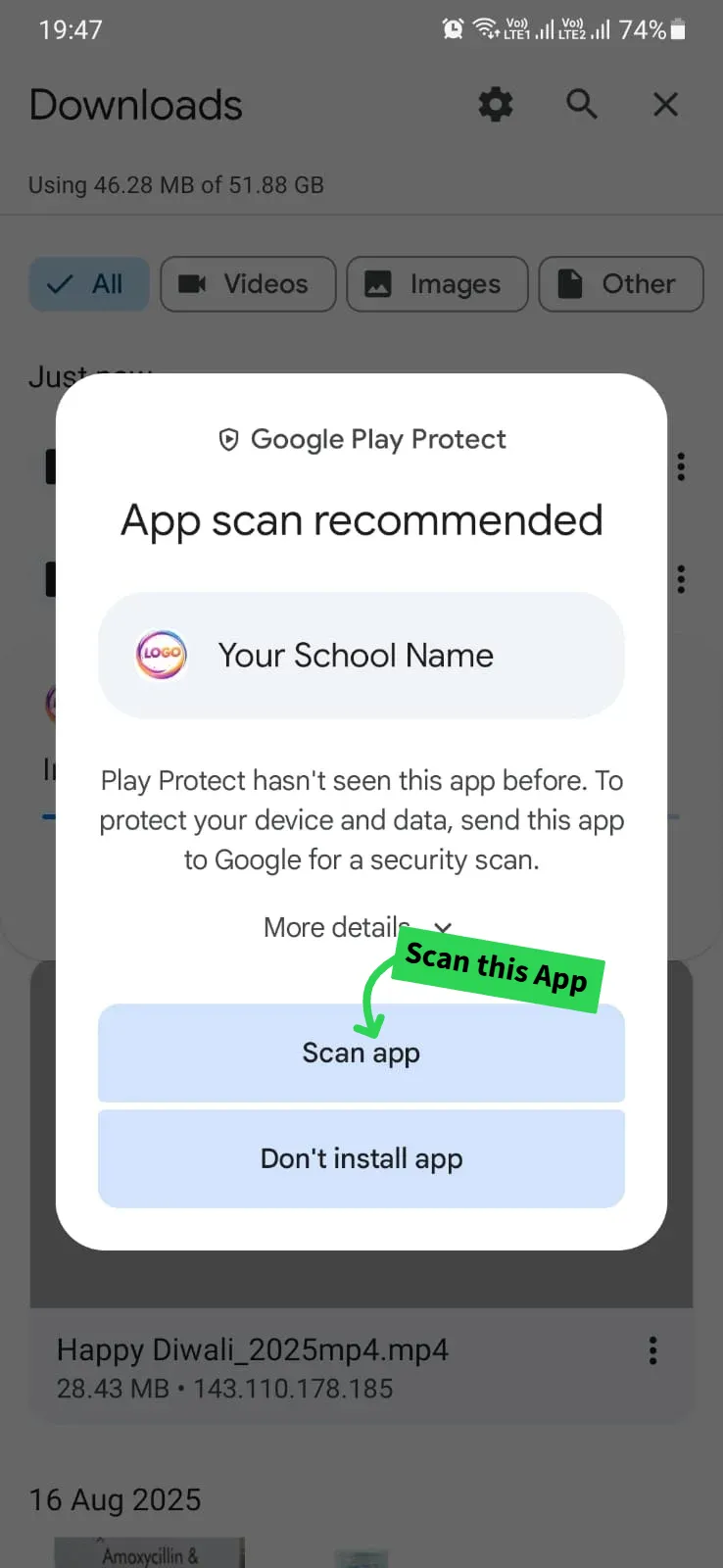
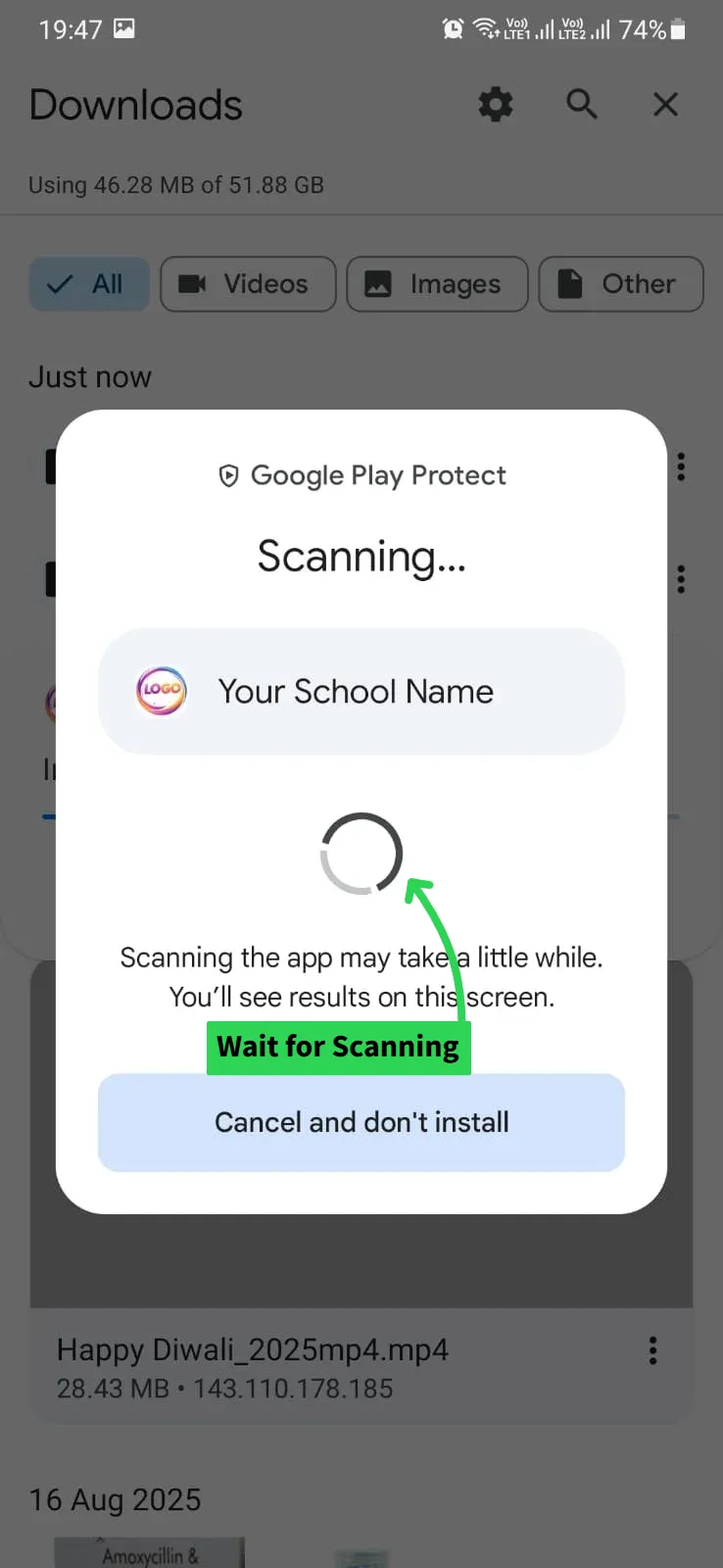
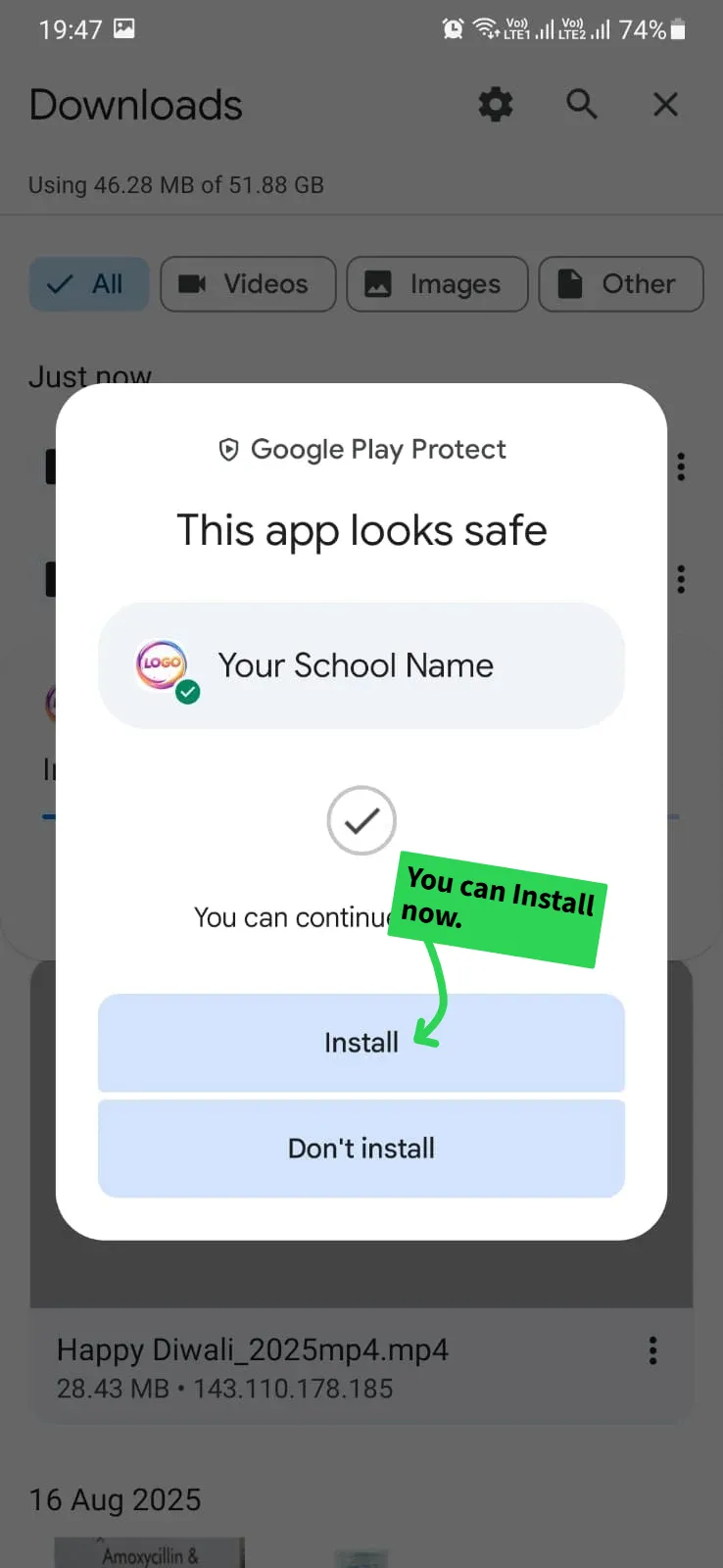
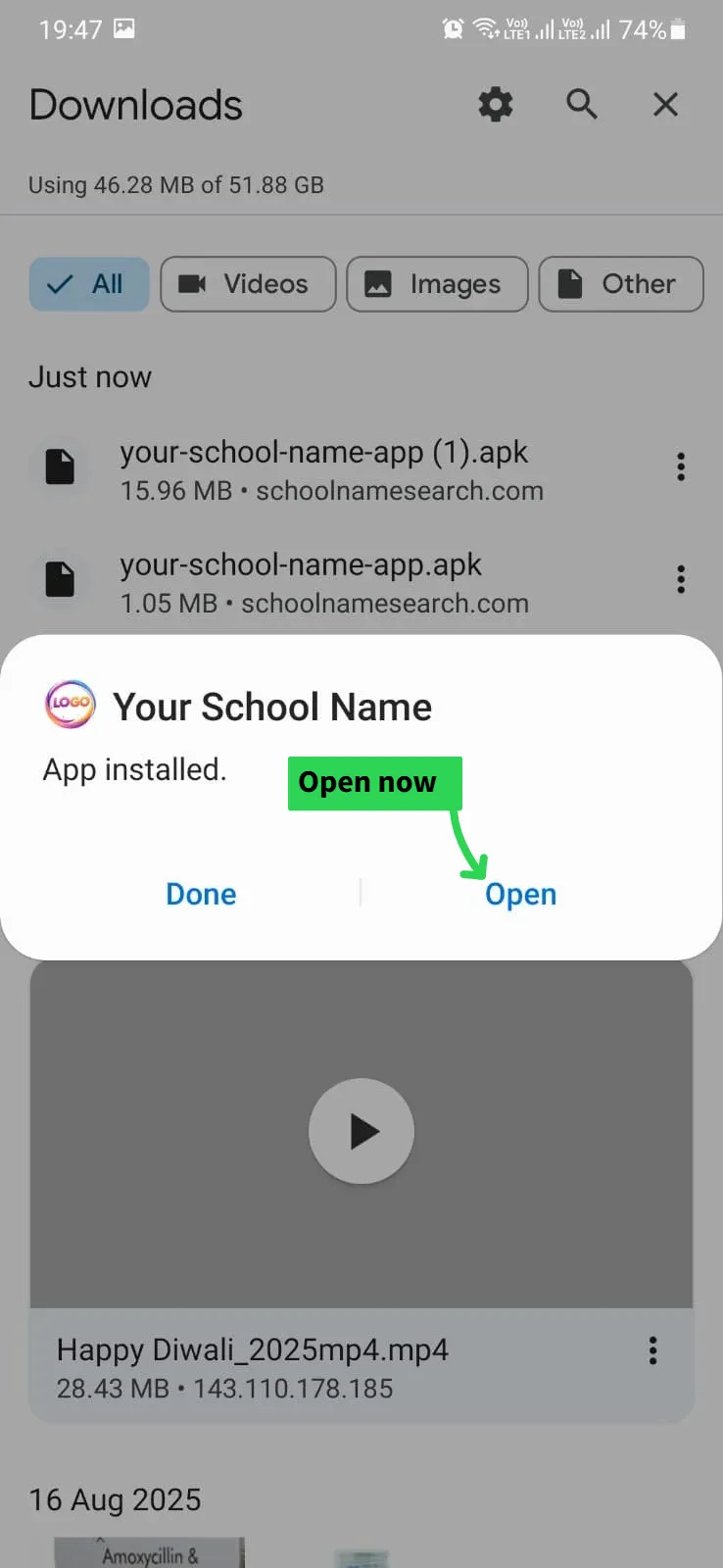
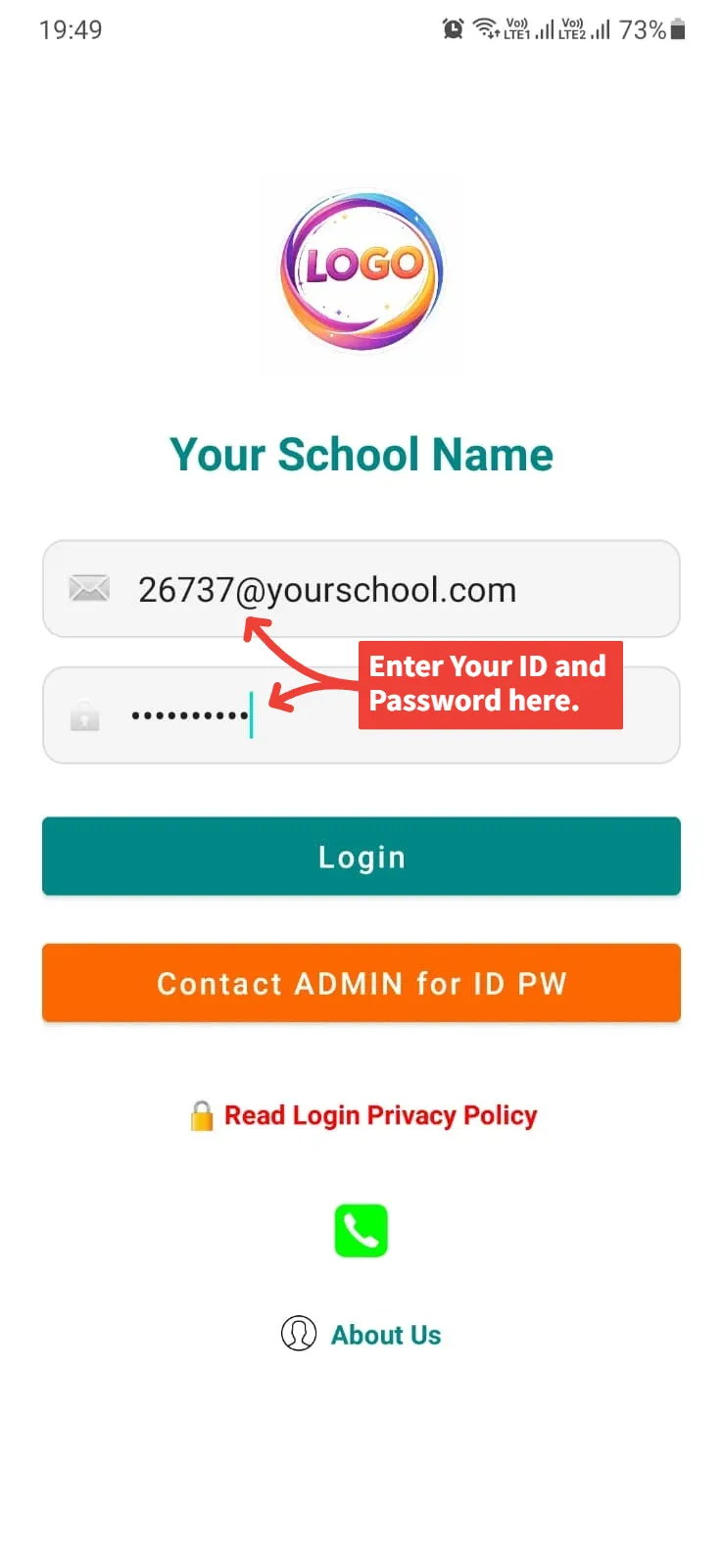
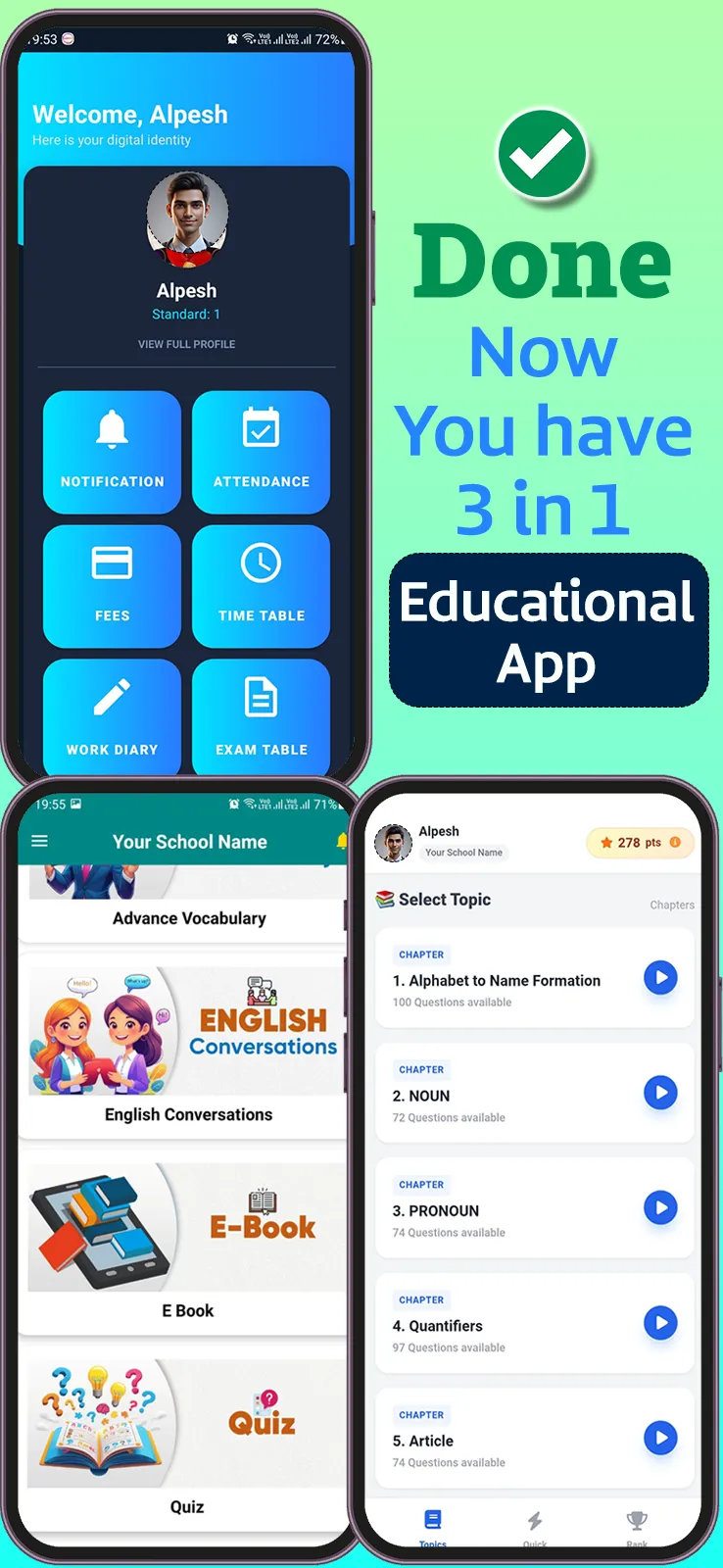
Screenshots
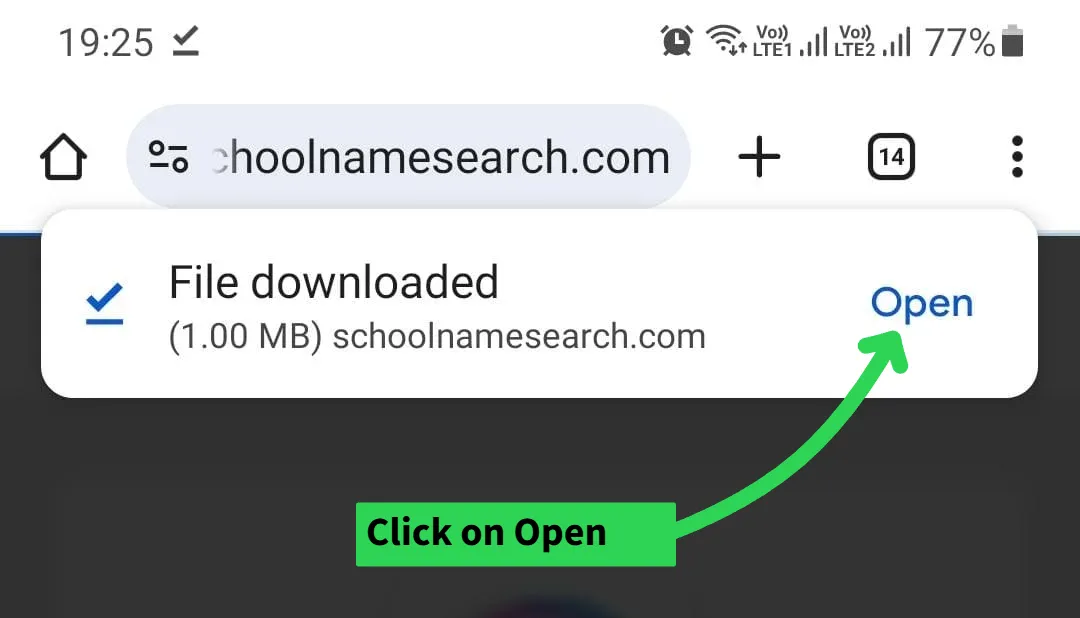
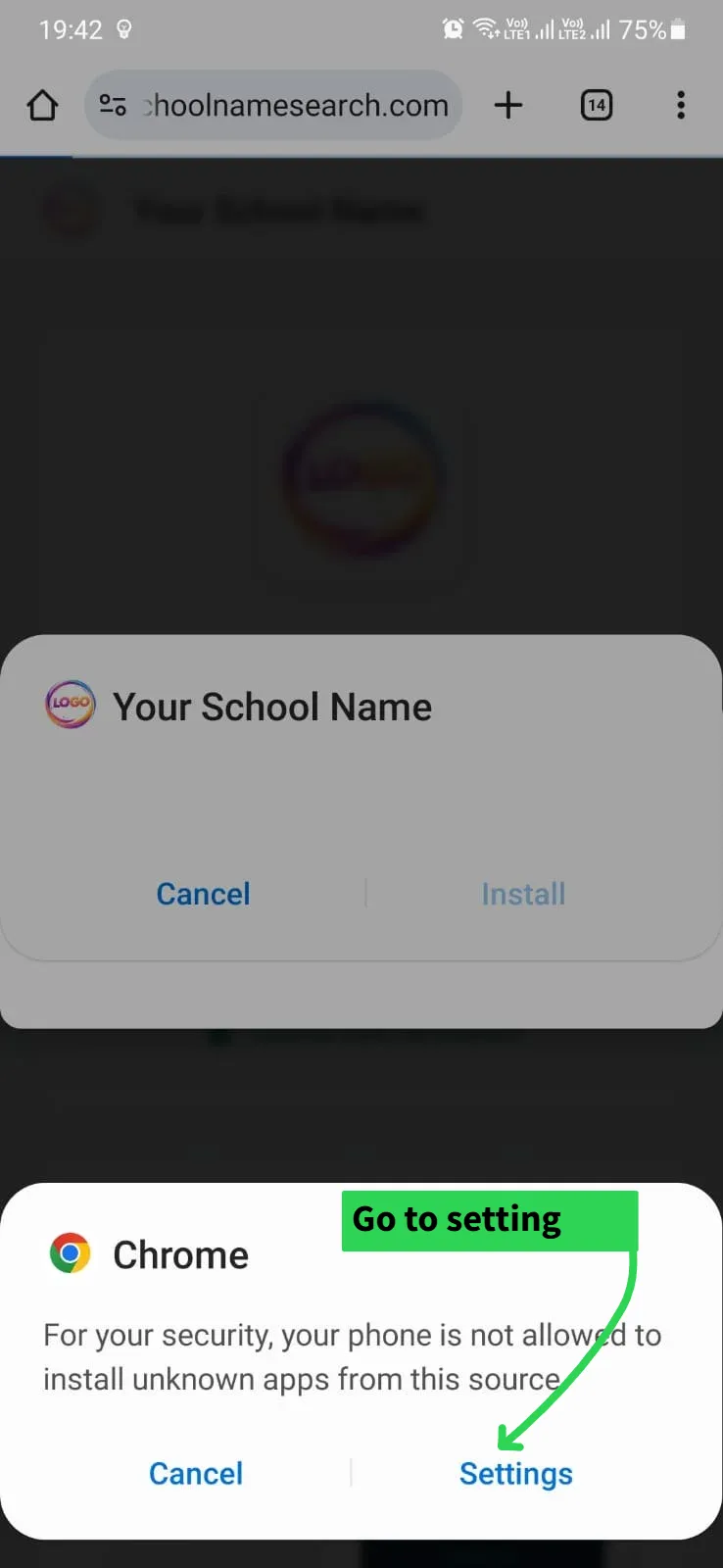
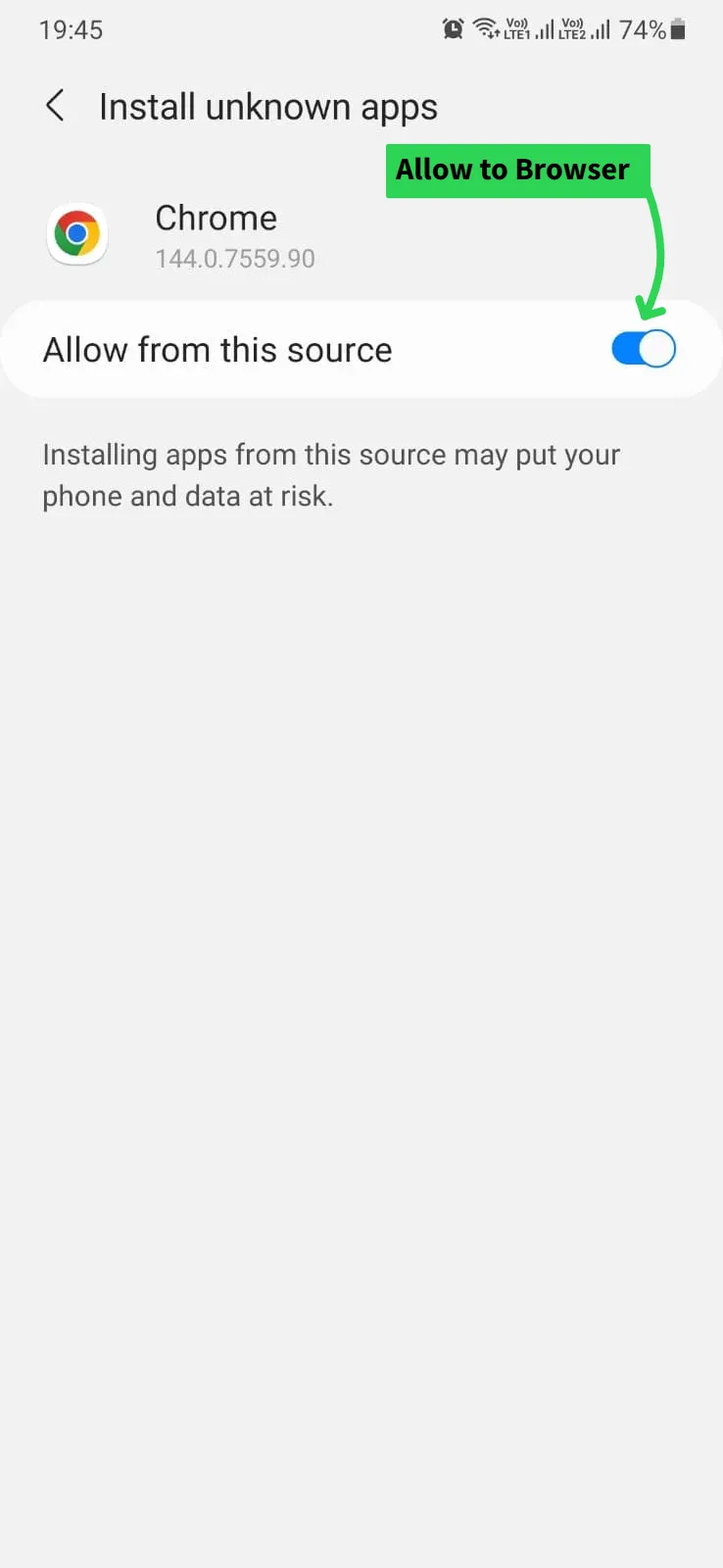
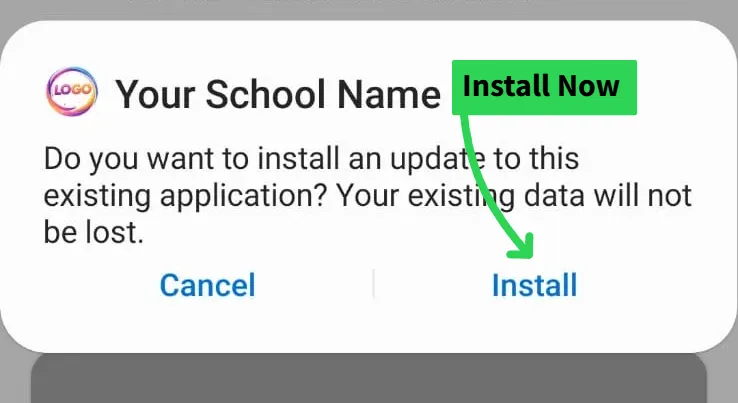
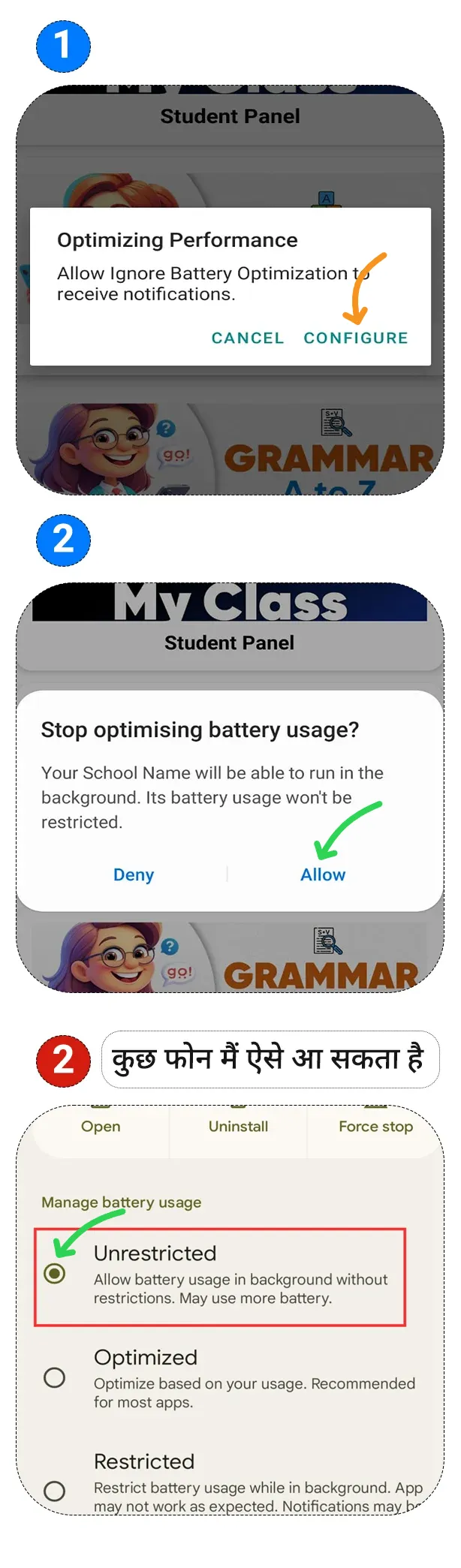
ℹ️ How to Install?


About this App
📞 Contact: 8732959525
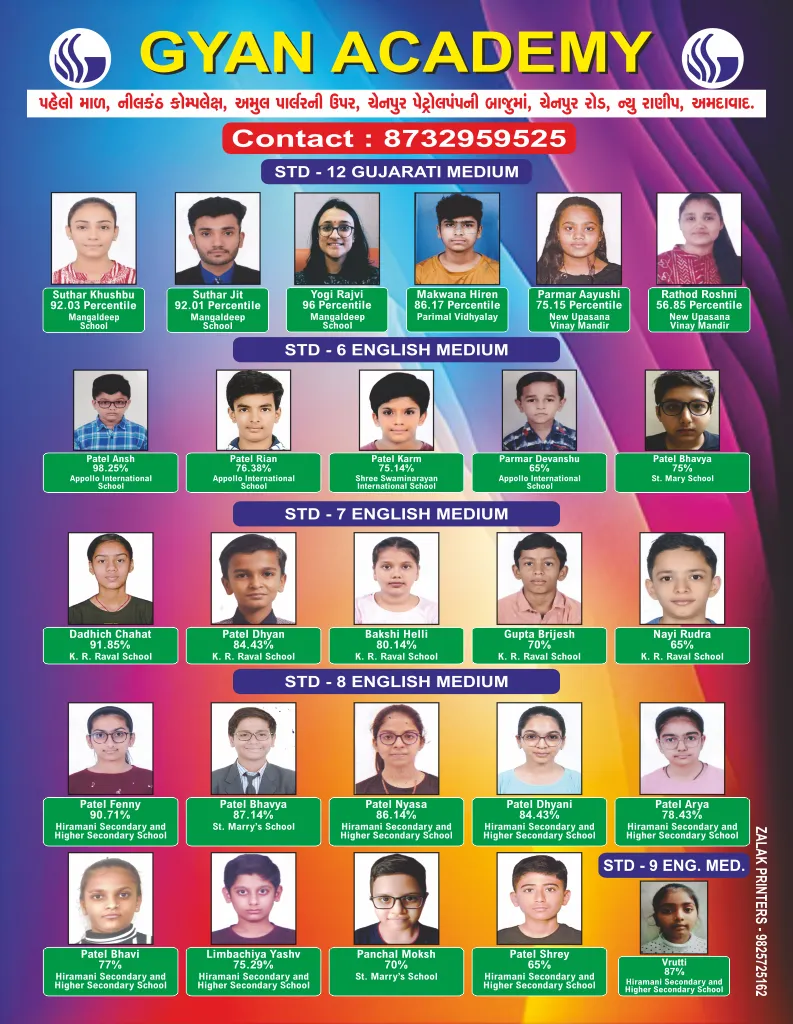
🏫 About Us:
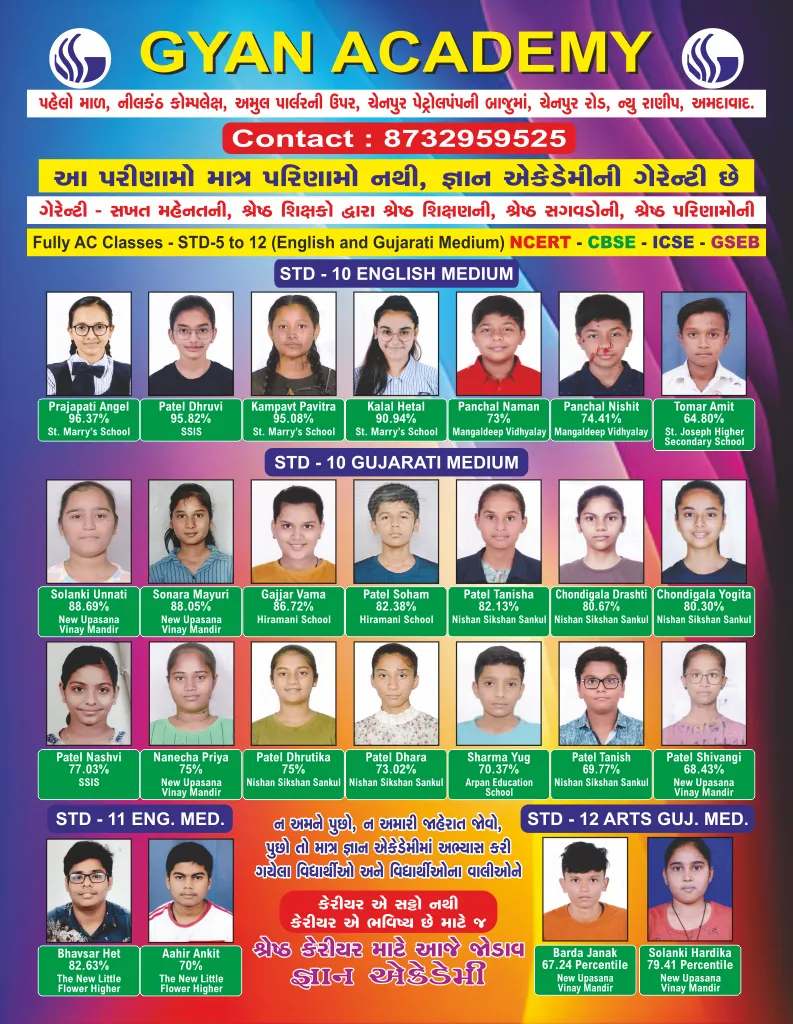
We are a teaching academy that provide education for C.B.S.E board, Gujarat board and ICSE board in the New Ranip area. We have the best teaching faculties with a lot of experience. We are the only academy which provide Corporate type of facilities. We provide the best education from class 1 to 10. We also have Commerce zone and Science Zone for class 11 and 12. We have neat and clean classes. All the classes are with Air conditioner and CCTV facilities. We guarantee 100% result. Please come and visit us and we guarantee you that you won't go anywhere else.
Ratings & Reviews
H
HETANSH
★★★★★
Usefull for every students
P
Premal p master
★★★★★
Khub j sari app che sir
K
Kirti Patel
★★★★★
Khub j sari App che Sir.👍🏻